 Kasitoma
Money and reports
Invoices, expenses and the reports that show where money stands
Kasitoma covers money from the invoice to the report: invoices and receipts with your logo and VAT, payments recorded against each client, staff expense claims approved and paid, and regular company costs that repeat by themselves. Finance reports such as the income statement, recurring revenue, receivables aging, revenue forecast and expected vs collected export to Excel or PDF. It is for small-business owners and managers who want clear numbers every month; the books themselves stay with your accountant.
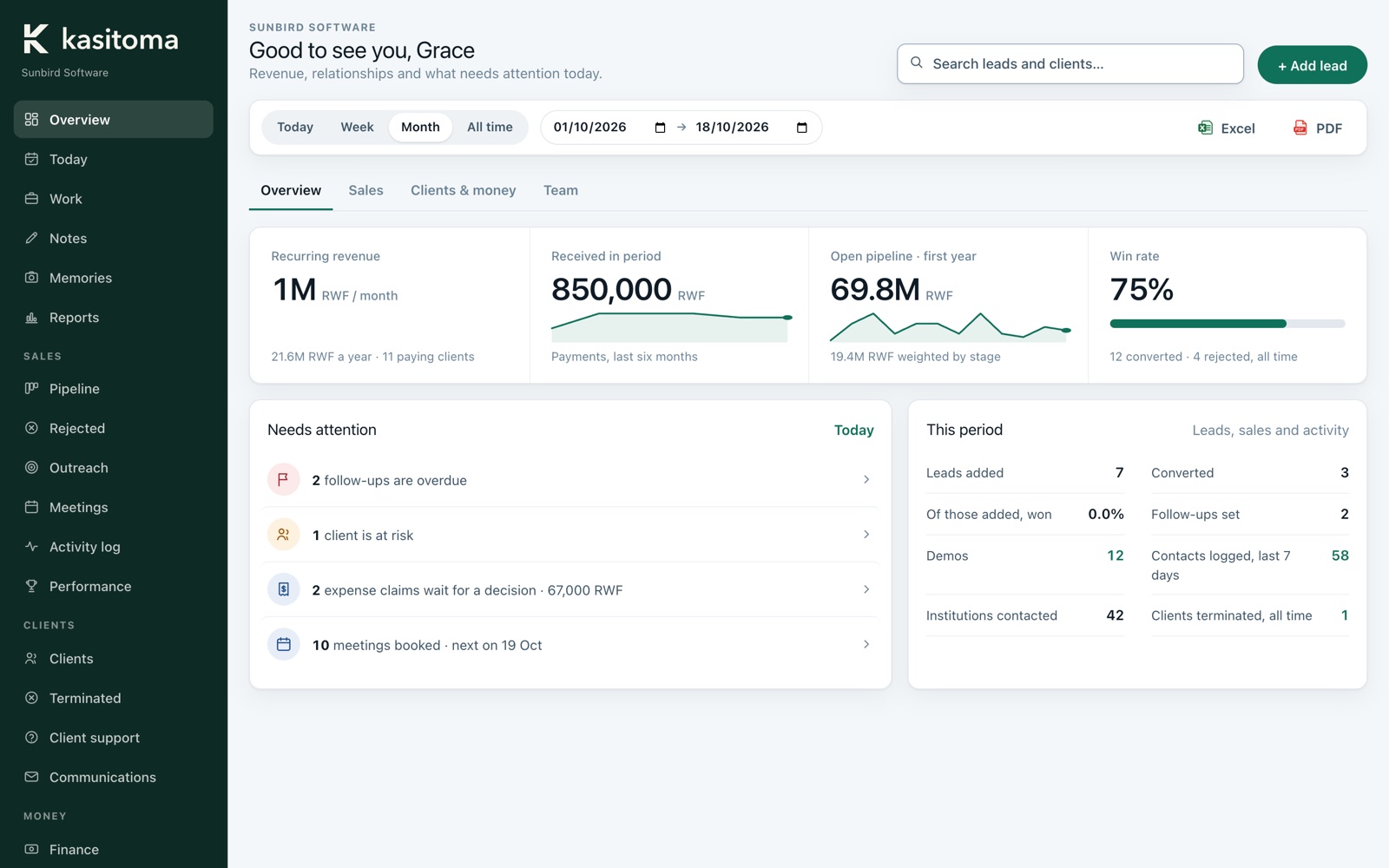
Invoicing software for small business
Invoices start from the client record, so amounts, VAT and the client’s details are already there.
- Invoices from charges, or written by hand
- Status draft, sent, paid or void, with overdue invoices listed
- A VAT name and rate set once, shown on invoices and in the VAT report
- Payments recorded with date, method and reference, and corrected if needed
- Receipts and statements as PDFs with your logo
An expense approval app for the whole team
Two kinds of spending on one page: what staff claim back, and what the company pays regularly.
- Staff claims with category, service, receipt and campaign
- Approve, reject or pay, by people with the right permission
- Company expenses such as rent, salaries and software recorded straight as paid
- Monthly or yearly repeats, recorded on their date by themselves
- Expenses by category, by service and by person in the Expenses report
Business finance reports that answer real questions
Each report runs for a period you choose and opens on screen, in Excel or as a PDF.
- Income statement and profit by service
- Recurring revenue, monthly and yearly, and the revenue forecast
- Receivables aging by client: not yet due, 1–30, 31–60, 61–90 and over 90 days
- Expected vs collected, payment history, and revenue by client or by service
- VAT, commissions, discounts given and client lifetime value
- Alongside them: lost deals, churn and retention, support SLA and team usage
Ask your AI agent about money
With Claude or ChatGPT connected, money questions are answered from your own records, within your permissions. The agent uses tools such as finance_summary, list_invoices, client_statement, run_report, create_invoice, email_invoice, record_payment, claim_expense and decide_expense.
- Ask which invoices are overdue and who owes the most
- Have it write and email this month’s invoices
- Claim an expense, or approve a claim waiting for you
- Run any report for a period and get a short summary
Ask your AI agent
With Kasitoma connected to Claude or ChatGPT, you can type things like:
- Which invoices are overdue, and who owes the most?
- Run the receivables aging report for this month and tell me which clients are over 60 days.
- Write an invoice for Sunbird Hotel for a 300 USD setup fee plus VAT, and email it to them.
- Record rent of 1,200 USD as paid today, repeating every month.
- Approve Grace’s transport claim for the Riverside campaign and tell me the campaign’s cost per win.
Questions people ask
Is Kasitoma accounting software?
No. It handles invoices, receipts, payments, expenses and finance reports for running the business, but it has no general ledger and no bank feeds. You can send the Excel reports to your accountant.
Can I use my own Excel layout for reports?
Yes. Make a sheet with your logo and heading, type {{rows}} where the table should start, and upload it. Excel downloads then use your layout; PDFs keep the standard one with your logo.
Can an AI assistant create invoices?
Yes. Through Kasitoma’s connector, Claude or ChatGPT can write a draft invoice, change it, email it to the client and mark it paid, with your permissions. Every change is in the audit log.
Which currencies and taxes does it handle?
Each organization sets its own currency and one VAT name and rate, which appear on invoices and in the VAT report.
Can I get all my data out?
Yes. Every report exports to Excel or PDF, and you can ask for a full Excel backup of your organization at any time.
Read next
Let your AI agent do the work
Start a free trial in a minute, connect Claude or ChatGPT, and hand it your sales, billing and admin today.
No card needed · works on any phone