 Kasitoma
AI agents that do the work
Your AI agent does the work. You just say what you need.
With Kasitoma, the everyday work of running your business is done by your AI agent. Tell Claude or ChatGPT what you need in plain words and it does it for you: adds and follows up leads, runs outreach campaigns and sends the messages, books meetings, writes and sends invoices, chases payments, prepares contracts, gives your team their tasks and tells you how the business is doing. No forms to fill and no screens to learn: you decide, your agent does the rest.
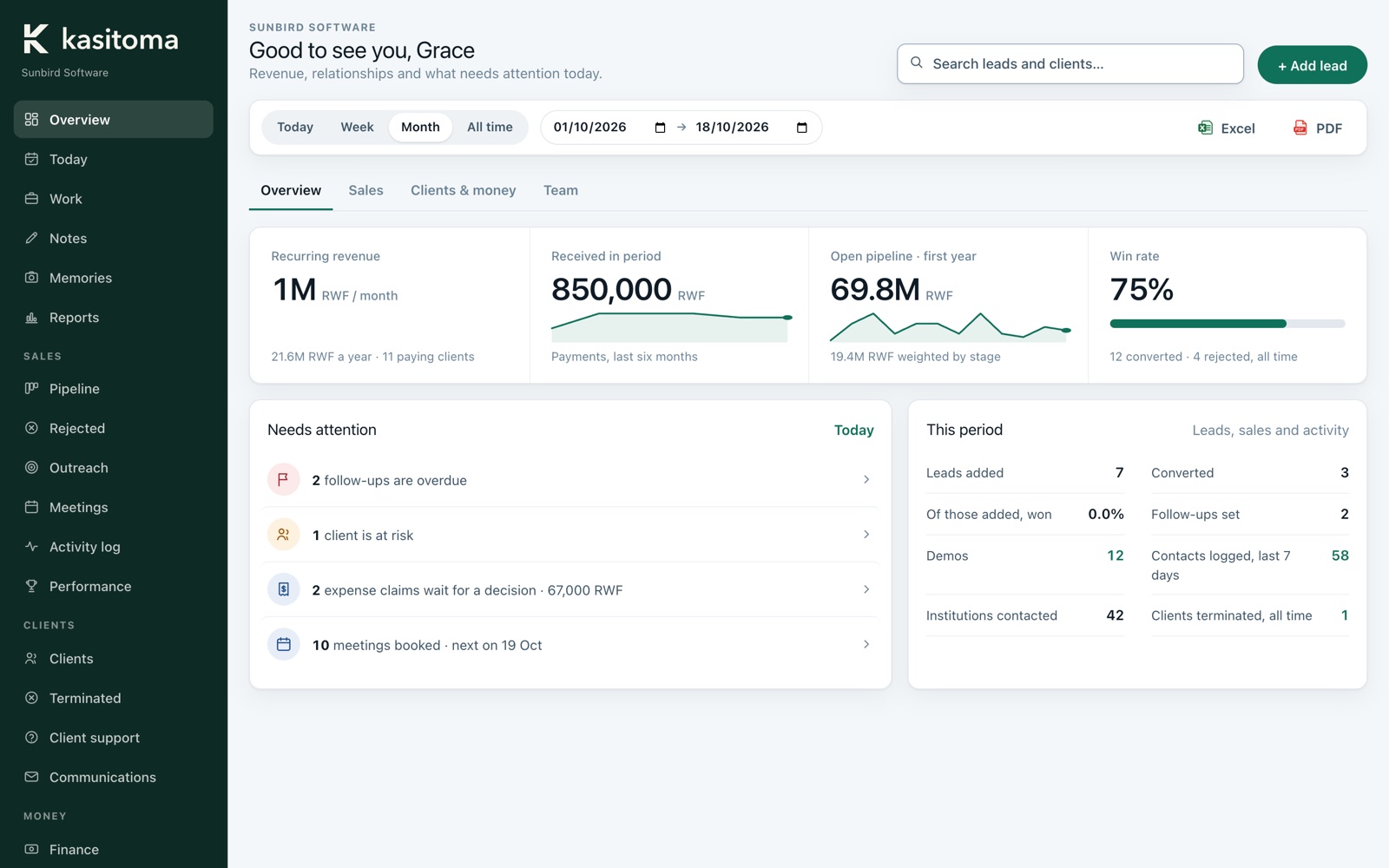
Your AI sales agent does the outreach
Leads no longer get lost between a visit and the next step. Tell your agent what happened and what should happen next: it records it, follows up and keeps the whole team informed.
- Add leads and update them: owner, value, stage, next step and follow-up date
- Log calls, visits, messages and notes, and record how a meeting went
- Book meetings with reminders, move them or cancel them
- Create a door-to-door or phone campaign, add businesses to its list and log campaign visits
- Send a template to a batch of leads or clients by email, SMS or WhatsApp, now or later, where your plan includes them
- Ask how each rep did this period, or where every deal stands in the pipeline
Your AI assistant does the admin
Invoices, payments, contracts, tasks and reports are where your agent gives you back the most hours: the steps are known and everything it needs is already in Kasitoma.
- Write an invoice, email it to the client and mark it paid when the money arrives
- Record a payment, put a client’s credit toward a charge and pull a client statement
- Prepare a contract from your template and hand you the signing link
- Create tasks, give them to a colleague, comment on them and mark them done
- Invite a new colleague by email with a role
- Run any report for a period, file minutes as a document and find words inside PDFs
- Change settings such as pipeline stages, services or VAT
Control stays with you
An MCP server for business data has to know who may see what. Kasitoma’s connector follows the same rules as the app itself.
- OAuth sign-in: no passwords or API keys pasted into Claude or ChatGPT
- Each person’s own role and permissions, tool by tool
- Read-only mode for the organization: the agent can look but not change
- Every change in the audit log, under the name of the person who connected the agent
- Disconnect from your account menu at any time; the MD can disconnect anyone
- What a connected assistant cannot do: knock on doors, make phone calls, or change roles, permissions and AI access. Finding new businesses on the web is the 24/7 outreach agent’s work
Connect in a few minutes
The setup page at kasitoma.com/ai-apps lists every tool and walks through both assistants. In short:
- Claude: open Settings, then Connectors, add a custom connector named Kasitoma and paste https://kasitoma.com/mcp
- ChatGPT: in Settings, add a custom MCP server with the same address and choose OAuth sign-in
- Sign in to Kasitoma, read what the app will be able to do, and press Allow
- If your organization uses its own domain, the address is that domain followed by /mcp
Ask your AI agent
With Kasitoma connected to Claude or ChatGPT, you can type things like:
- Add Sunbird Hotel as a lead for Aline, log that we visited them today, and set a follow-up for next Tuesday.
- Create a phone campaign for this month with targets of 80 contacts and 10 meetings, and add every lead in the Riverside district we have not contacted yet.
- Write an invoice for Lakeside Lodge for this month’s package, email it to them, and tell me what else they owe.
- Prepare the contract for Lakeside Lodge and give me the signing link.
- Give Grace a task to call every client with a renewal due this month, due Friday, and send me the receivables aging report.
Questions people ask
What is an AI agent in Kasitoma?
It is your own Claude or ChatGPT, connected to Kasitoma through the built-in MCP connector. It works when you ask it to, using named tools such as create_lead, create_invoice or run_report. Kasitoma does not run your Claude or ChatGPT in the background; the 24/7 outreach agent is the one built-in agent that works on its own.
Can the agent see or change everything in the business?
No. It acts as the person who connected it and has exactly that person’s permissions. If the organization is set to read only, it can look but not change anything. Every change is in the audit log under that person’s name.
What do I need to connect Claude or ChatGPT?
A Kasitoma account, an organization that lets AI apps in, and a Claude or ChatGPT plan that allows custom connectors (an MCP server with OAuth sign-in). What ChatGPT may change can depend on your ChatGPT plan. Nothing is installed on your computer; the steps are at kasitoma.com/ai-apps.
Can an agent make phone calls or find new leads on the web?
Your Claude or ChatGPT works with what is in Kasitoma: it records the calls and visits your team made, sends messages from your templates and books meetings. It does not dial numbers or knock on doors. Finding new businesses is the job of the 24/7 outreach agent, which searches Google Maps, writes to them and answers their replies.
How do I know what the agent did?
Claude and ChatGPT show each tool they use in the conversation. In Kasitoma, every change is in the audit log under your name, and the Team usage report counts connector calls by tool and by person.
Read next
Let your AI agent do the work
Start a free trial in a minute, connect Claude or ChatGPT, and hand it your sales, billing and admin today.
No card needed · works on any phone